 SAMASystem Access &
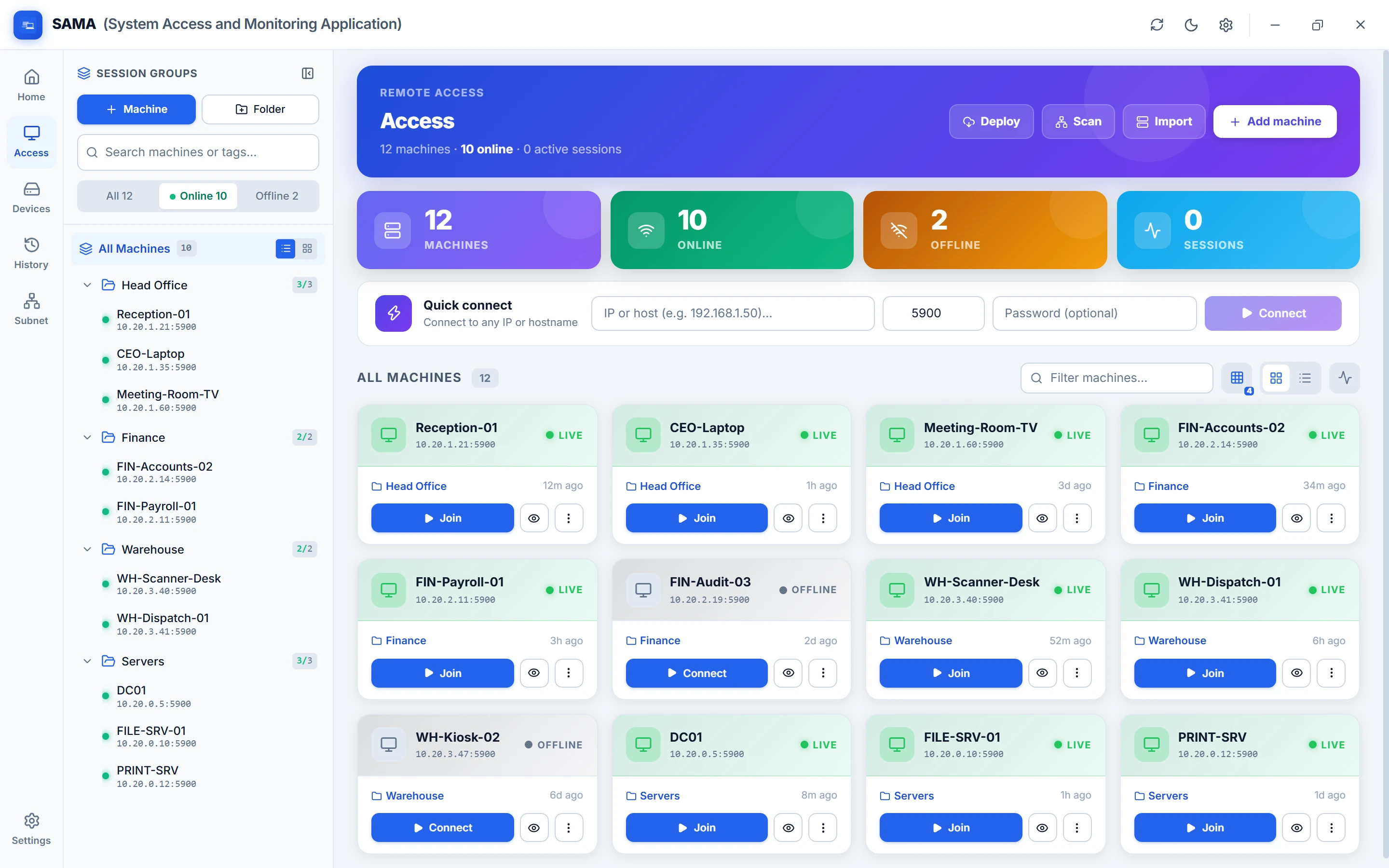
Everything you need to support a Windows network
Remote control, privacy, file transfer, fleet management and admin tools, built into one fast desktop console.
Connect to any PC in one click
Open a session from a machine's card, the folder tree or quick-connect, and work as if you were sitting at the desk.
- Tabs and pop-out windows. Run several sessions side by side or move one to another screen.
- Multi-monitor PCs. Show every screen, or fill your view with just one.
- Unattended access. Connect whether or not someone is at the PC.
- Clipboard, Ctrl+Alt+Del and screenshots from the session toolbar, plus a view-only mode.
Curtain Mode and Input Lock
Work on sensitive systems in busy offices without anyone seeing or interrupting.
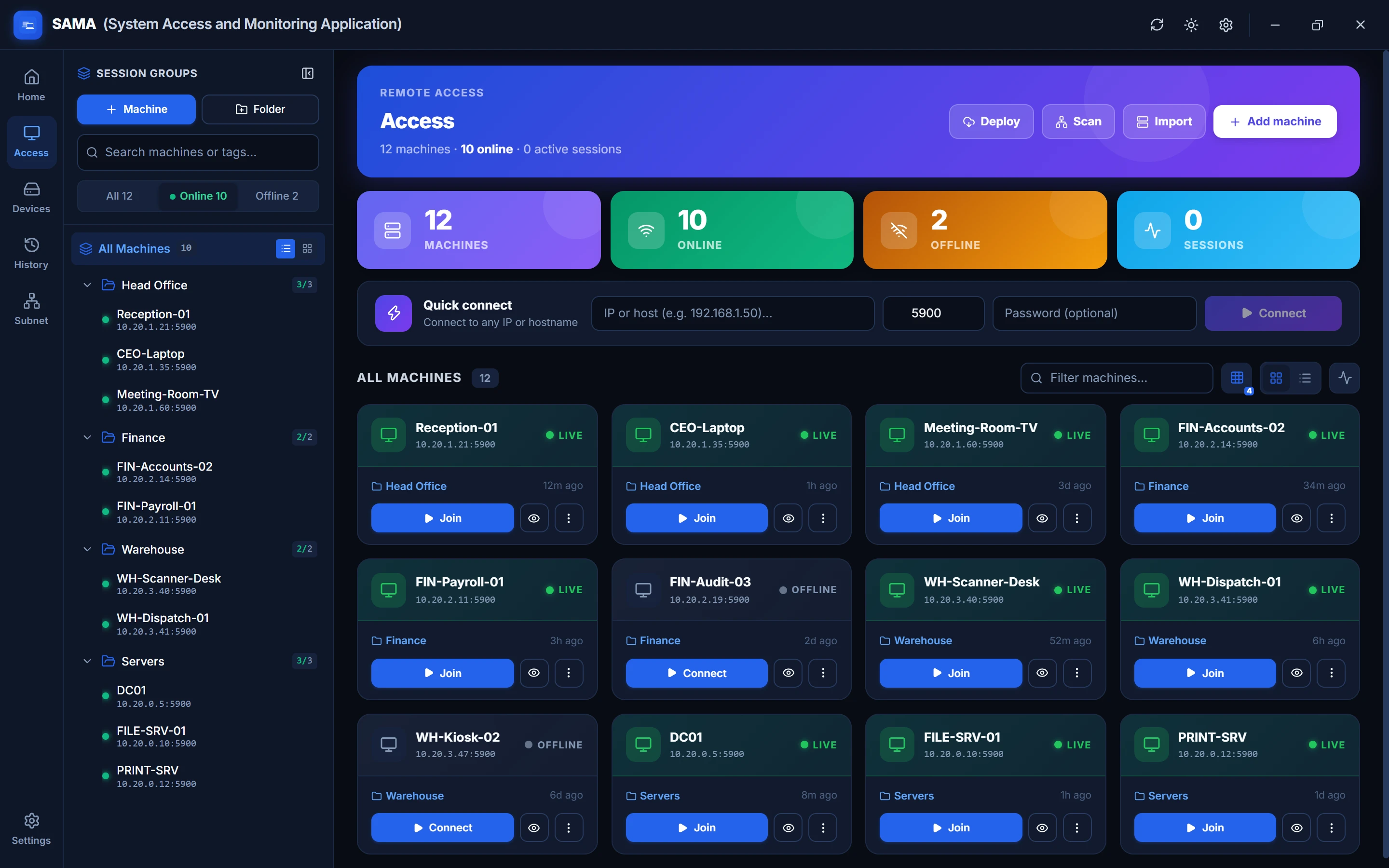
- Curtain Mode covers every monitor at the PC with an "IT Support is working" message, while you see and control the real desktop.
- Input Lock pauses the PC's own keyboard and mouse so nobody clicks in the middle of your work.
- Safe by default. The PC never locks, and the curtain lifts by itself if your connection drops.
Your whole network, organised
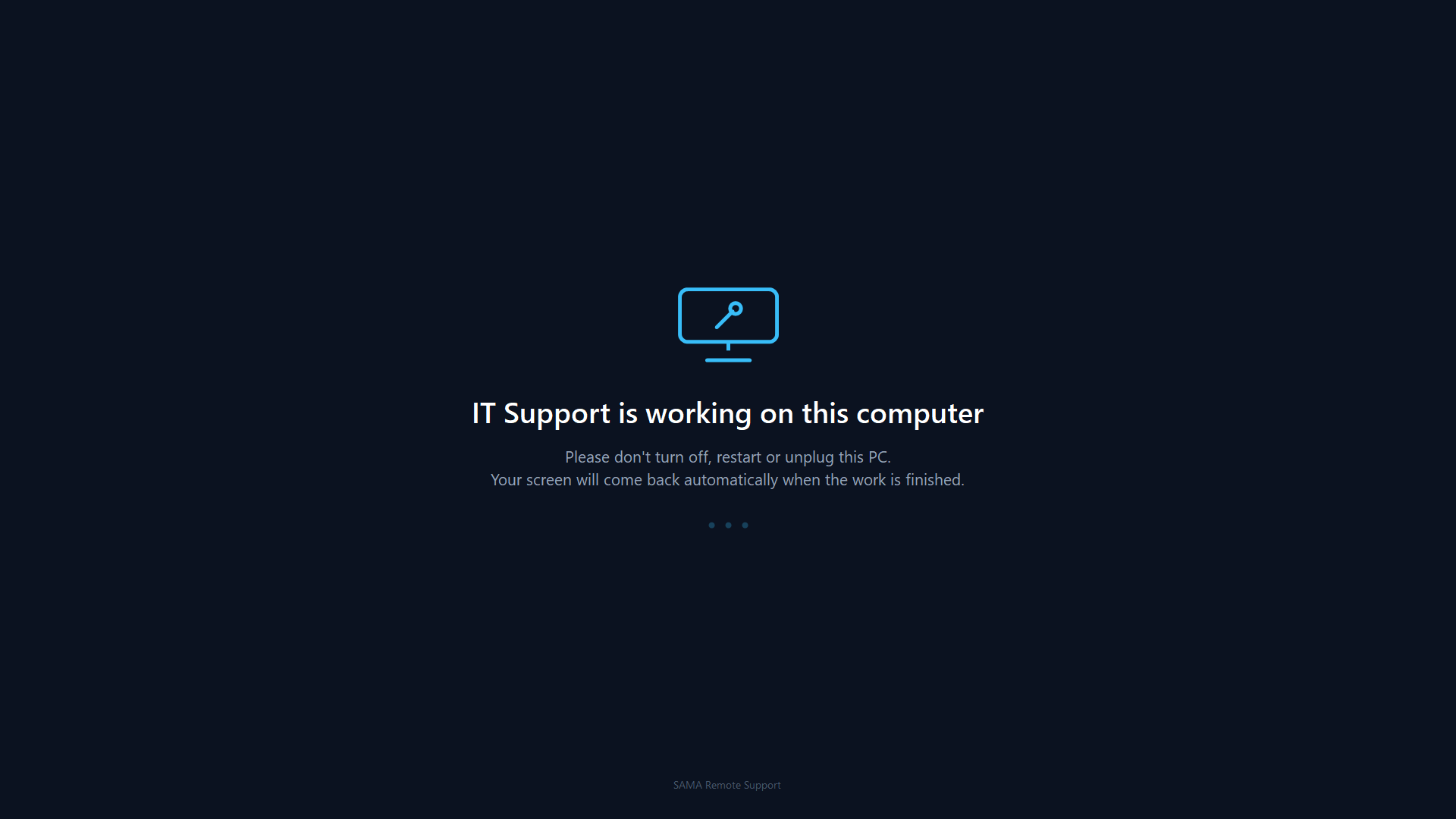
Bring every PC into SAMA in minutes and see its status at a glance.
- Active Directory import with your organisational units turned into folders.
- CSV, JSON or text lists and subnet scanning to find PCs automatically.
- Live online status, search, filters and folders for any size of fleet.
- Wake-on-LAN to power on sleeping machines.
Fix it in the background
With the SAMA agent installed, these work without opening a session or disturbing the user.
Remote task manager
Live processes, CPU and memory. End stuck programs in a click.
Services
See every Windows service and start, stop or restart it.
PowerShell
Run commands and scripts on the PC and read the output.
File transfer
Drag a file onto a session. It lands on the user's real Desktop, confirmed at full size. Browse and download files too.
Hardware & health
CPU, memory, disks, installed software and a PC health check on demand.
Messages & power
Pop up a message for the user, or restart and shut down safely.
See what happened, and when
A record of your team's work, ready for audits and reviews.
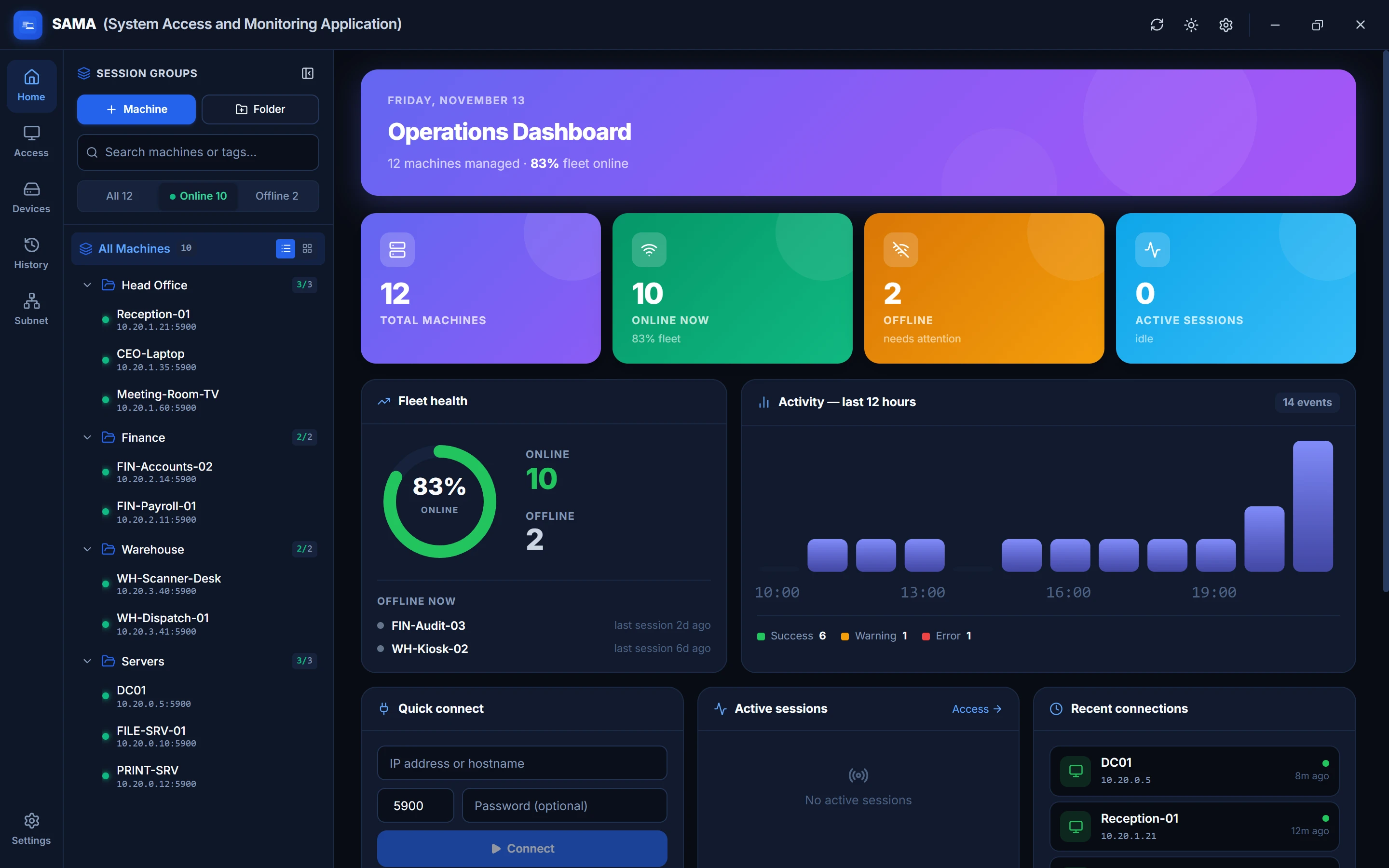
- Session history with machine, start, end and duration for every connection.
- Live activity feed of connections, transfers and status changes.
- Four themes, from Modern Light to true-black AMOLED.
System requirements
Technician PC (SAMA console)
- Operating systemWindows 10 or 11, 64-bit
- Memory4 GB or more
- Disk spaceAbout 400 MB
- NetworkSame LAN or VPN as the client PCs
Client PCs
- Operating systemWindows 10 or 11
- Remote controlA VNC server, e.g. TightVNC
- Curtain Mode, file transfer, toolsSAMA agent (included)
- Curtain ModeWindows 10 version 2004 or later
See SAMA on your own network
Install it on one PC and connect to your first machine in minutes.