 SAMASystem Access &
Remote support that stays inside your walls
Remote access tools are a favourite target for attackers. SAMA is built to keep the attack surface small and your data on your own network.
A direct line, with no one in the middle
Your technicians connect straight to your PCs over your LAN or VPN. There is no SAMA cloud, relay server or account in the path.
Technician PC
- SAMA console
- Local database
- Encrypted saved passwords
Client PCs
- VNC server (remote control)
- SAMA agent (tools, Curtain Mode)
- Agent answers only your SAMA
Security built into every layer
No cloud relay
Sessions never pass through outside servers, so there's no third-party service to be breached or go down.
Private agent token
Each SAMA installation creates its own secret. Its agents reject requests from anything else on the network.
Encrypted credentials
Saved VNC and admin passwords are encrypted with Windows DPAPI and are never written to log files.
Lockout protection
If Windows rejects saved credentials, SAMA stops after one attempt instead of locking the domain account.
Hardened console
The app can't be steered to outside web pages, and every host name is validated before it reaches a system command.
Full session log
Every remote session is recorded with machine, start, end and duration for your audit trail.
Protect what's on screen, too
Security isn't only about networks. When you work on payroll or HR systems, the people around the PC shouldn't see it.
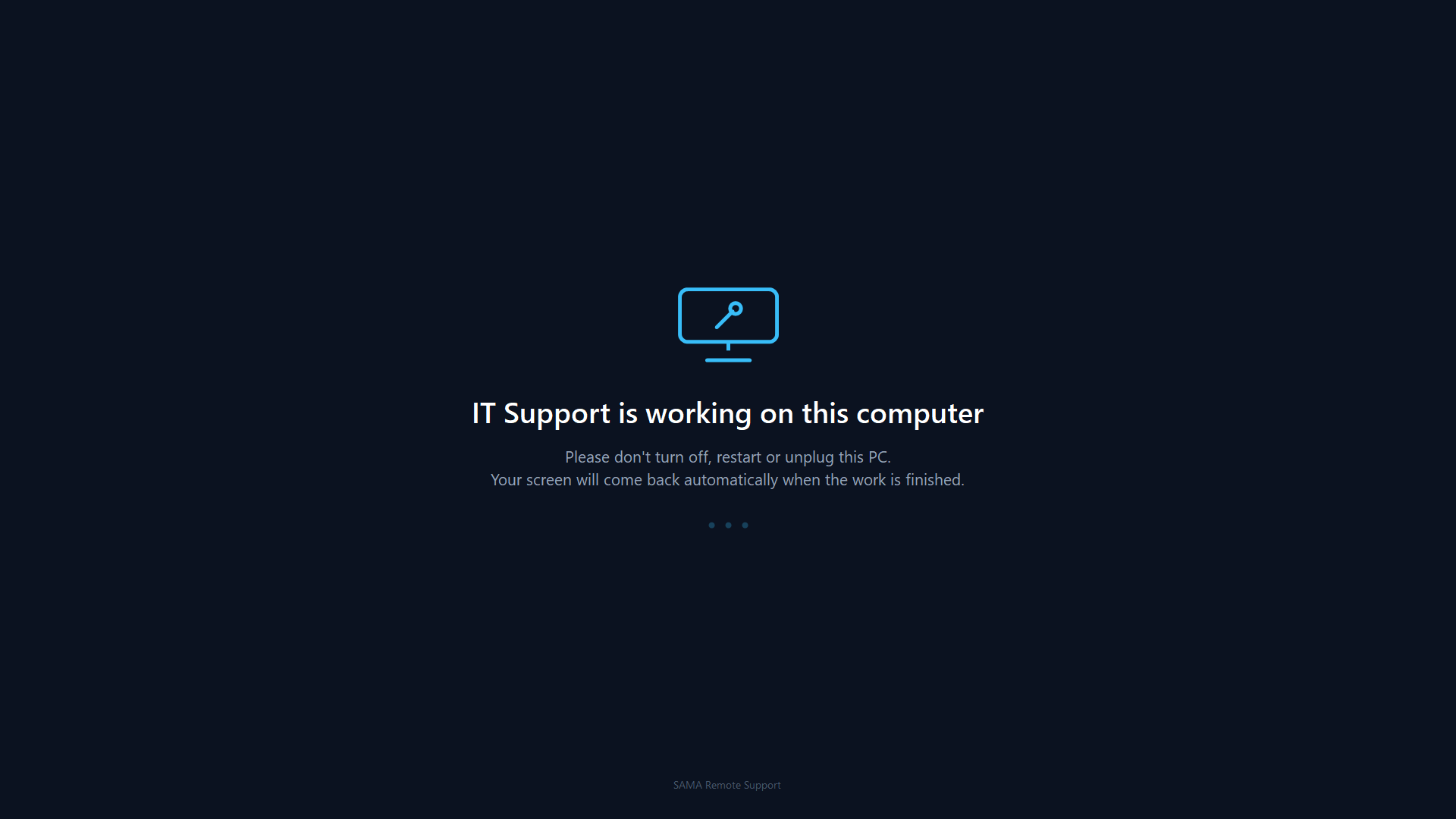
- Curtain Mode shows a support message on every monitor while you work.
- Input Lock stops the PC's own keyboard and mouse during your session.
- Fails safe: the curtain lifts by itself if your connection drops.
Where your information lives
Machine list & history
Stored in a local database on the technician's PC.
Saved passwords
Encrypted with Windows DPAPI on the technician's PC.
Sent to us
Nothing. SAMA doesn't report usage or session data to anyone.
Have a security review to pass?
Tell us what your team needs to know and we'll help with the answers.